> For the complete documentation index, see [llms.txt](https://pm2plugins.gitbook.io/infinitecrops/llms.txt). Markdown versions of documentation pages are available by appending `.md` to page URLs; this page is available as [Markdown](https://pm2plugins.gitbook.io/infinitecrops/features/custom-crops.md).
# Custom Crops
Plugin features 25 added custom vegetation to the plugin, each having multiple growing stages and crop harvesting stages, bringing in over 200+ crop textures alone.
Crops have multiple growing stages, as well have multiple harvest stages (example: 1st stage 1-2 tomatoes, 2nd stage 3-5 tomatoes), and last stage - rotten.
Tomatoes all stages
There are 5 types of harvest you can receive from each crop: Regular, Silver Star, Gold Star, Amethyst Star, Rotten. The better the stage, the more valuable it can be registered as (economy wise).
Harvest Types
Additionally, there are crops that don't need to be "broken" and are simply harvested by right-clicking them (unless needing a harvesting tool), without the need to replant the crop after.
Each crop has its specific configuration in the `crops.yml` file. Below is an example of a crop configuration:
```yaml
crops:
pepper:
id: pepper
item:
displayName: '&ePepper Seed'
lore: []
materialType: PAPER
itemId: pepper_seed
minAmount: 1
maxAmount: 1
modelData: 435
rewards:
almost_matured:
- ITEM:
type: HarvestRewardItem
name: item-almost_matured
items:
almost_matured_1:
itemId: pepper
minAmount: 1
maxAmount: 3
modelData: 436
lore: []
displayName: '&bPepper'
materialType: APPLE
configurationPerSeason:
spring:
stages:
- modelData: 427
requiredGrowthPoints: 35
name: seedling
model: infinitecrops:pepper_stage_1
modelType: ITEMSADDER
status: INIT
waterLossMultiplier: 1.8
initial-water-level: 50.0
waterLoss: 0.005
placeableBlocks:
- FARMLAND
requireTool: false
```
***
### Key Attributes
#### General
* **id**: Unique identifier for the crop.
* **item**: Defines the crop seed/item used for planting.
* `displayName`: Name displayed in the game.
* `materialType`: Base Minecraft material.
* `modelData`: Custom model data for the item.
#### Rewards
Defines items obtained when harvesting. Rewards are categorized by crop stages (`almost_matured`, `matured`, `last_stage`).
#### Seasonal Configurations
Each crop can have specific behaviors and growth stages per season.
* **stages**: Defines growth stages for the crop in a season.
* `modelData`: Appearance of the crop at a stage.
* `requiredGrowthPoints`: Points required to progress to the next stage.
* `status`: State of the crop (e.g., `INIT`, `GROWTH`, `HARVEST`).
#### Water and Light Levels
* **initial-water-level**: Starting water level for the crop.
* **waterLoss**: Rate of water loss per second.
* **lightLevelMultipliers**: Growth point multiplier based on light levels.
#### Loot Table
Defines items dropped upon harvesting.
* `itemsDroppedPerStar`: Rewards based on crop quality.
***
### Seasonal Behavior
Each crop behaves differently depending on the season. The growth stages, water loss multiplier, and rewards can vary. Example configuration for seasons:
```yaml
configurationPerSeason:
spring:
stages:
- modelData: 427
requiredGrowthPoints: 35
name: seedling
model: infinitecrops:pepper_stage_1
modelType: ITEMSADDER
status: INIT
waterLossMultiplier: 1.8
summer:
stages:
- modelData: 428
requiredGrowthPoints: 25
name: seedling
model: infinitecrops:pepper_stage_1
modelType: ITEMSADDER
status: INIT
waterLossMultiplier: 2.5
```
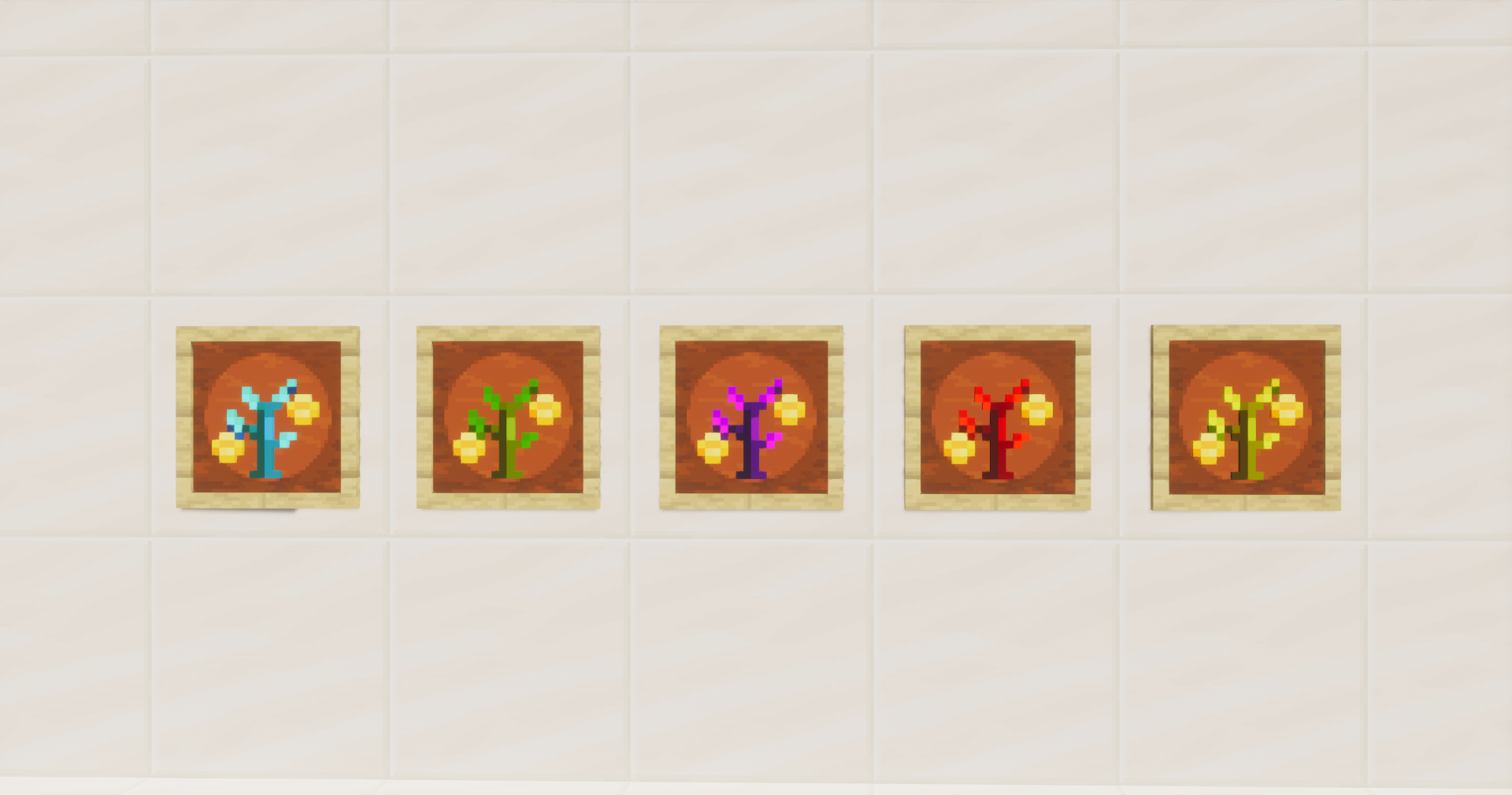
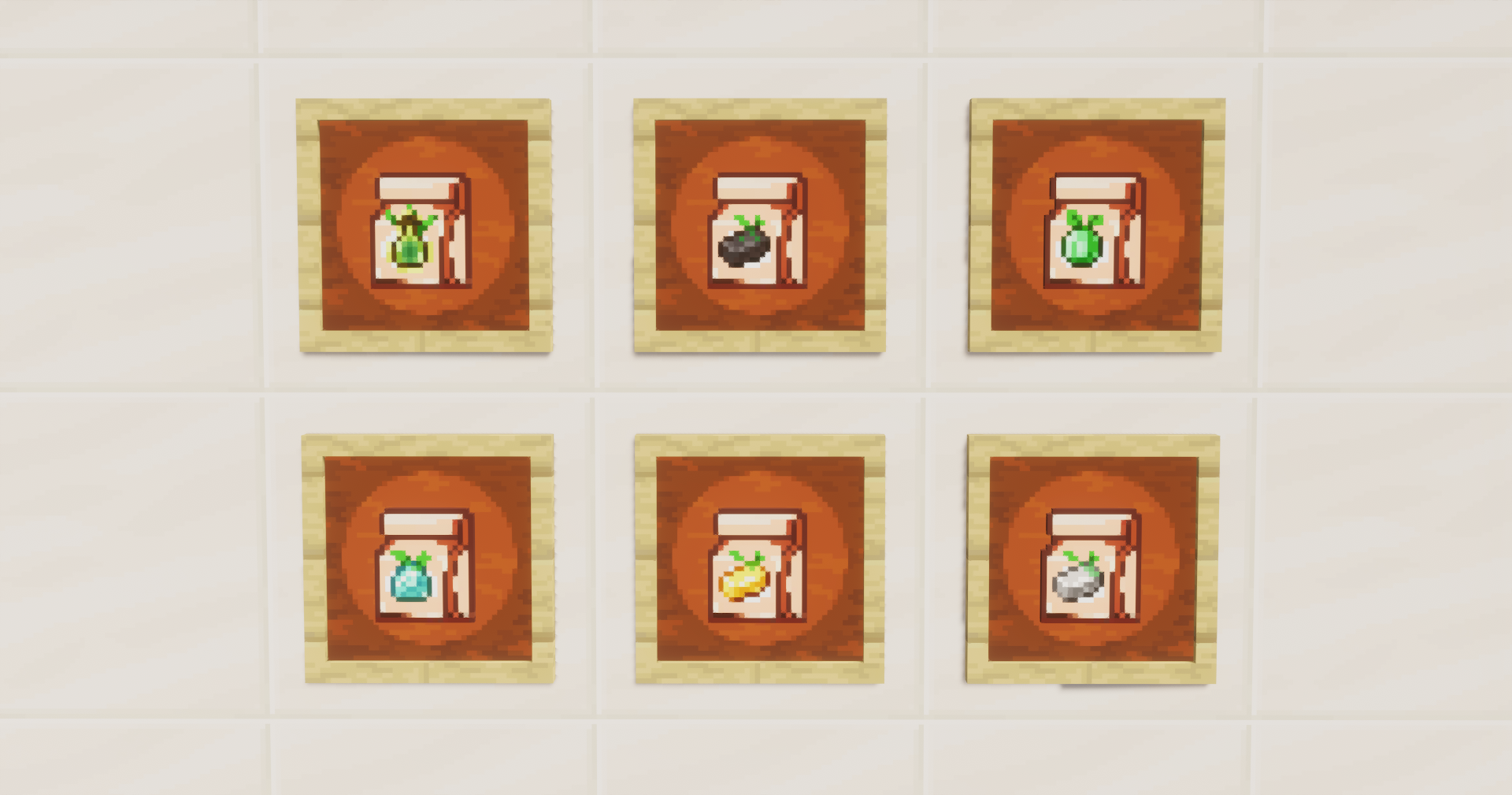
More screenshots from the game regarding crop stages and seeds (there are more content screenshots in other sections like Money Trees, Bushes, Harvesting Tools and more)